APP NOTE
Simulate any resistive sensor.
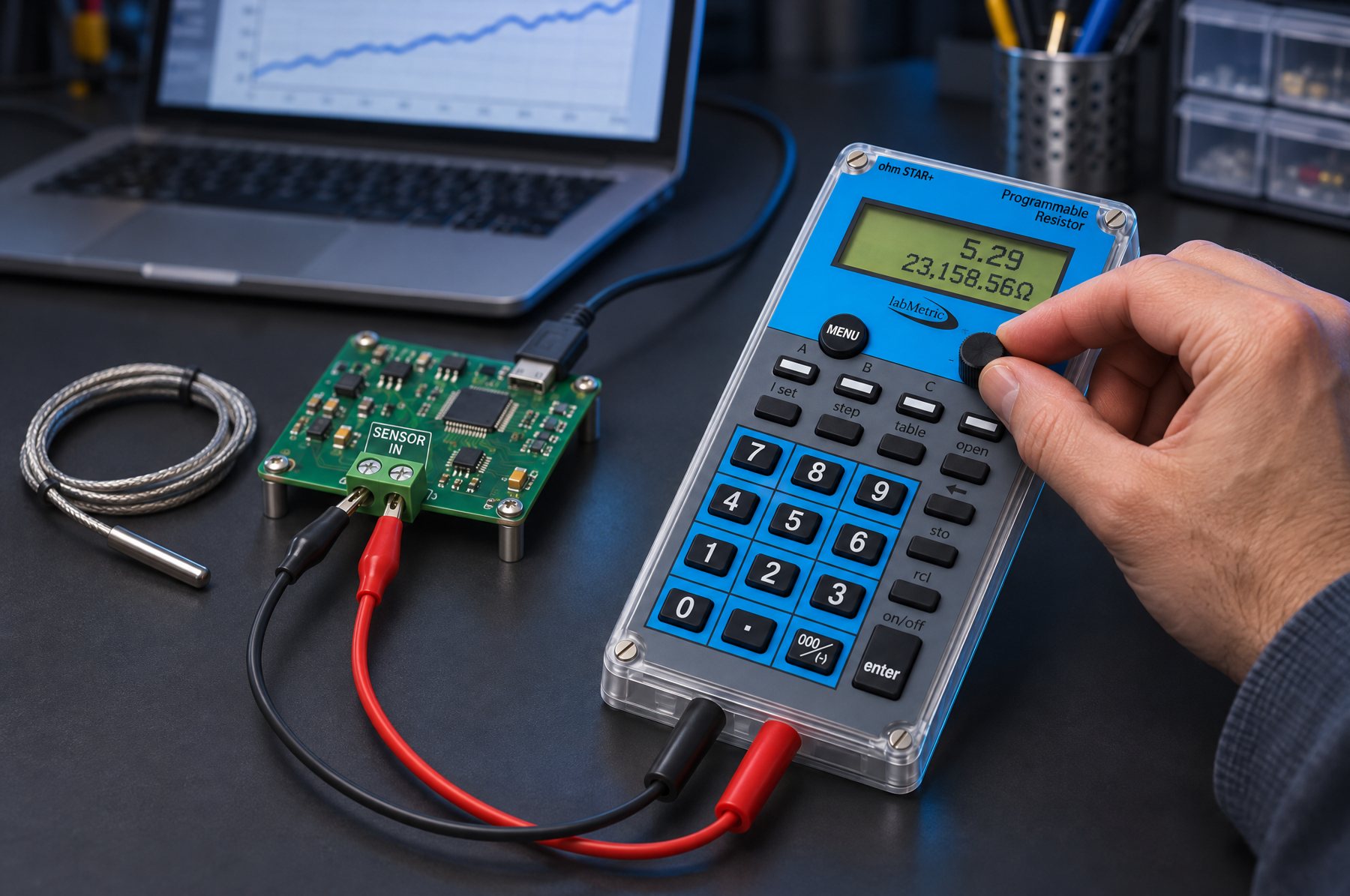
If it changes resistance, ohmSTAR can stand in for it. Give it a two-column table. You dial the unit, it sets the ohms.
Three steps
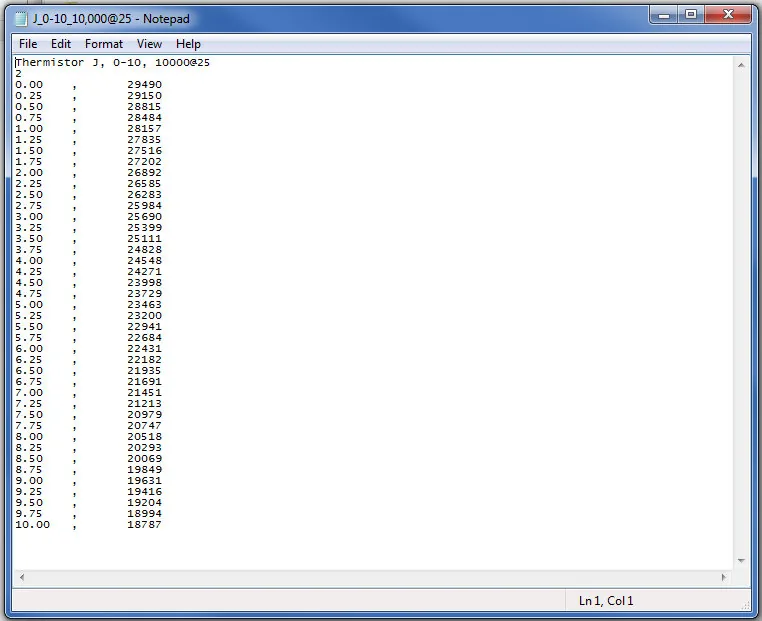
- Build the table in a spreadsheet. Unit in column A, ohms in column B. Save as .txt.
- Load it over USB with the Lookup Table tool.
- Press TABLE. Your unit shows on top, ohms below.
Example: 10k NTC
| °C | Ω |
|---|---|
| −20 | 105,384.69 |
| −10 | 58,245.71 |
| 0 | 33,620.60 |
| 10 | 20,174.58 |
| 20 | 12,535.33 |
| 25 | 10,000.00 |
| 40 | 5,301.47 |
Values are calculated from the standard curve. They aren't an accuracy spec.
File format: line 1 is the description (the LCD shows 20 characters). Line 2 is the number of decimals to show, 0 to 5. Then up to 256 rows of user value and ohms, separated by spaces, tabs or commas. Both columns must run in one direction. Write ohms in full: no K or M.
What it looks like
Which model
Look at both ends of your table. Above 5 MΩ: ohmSTAR, which goes to 25 MΩ. Need 0.01 Ω steps: ohmSTAR+. Neither goes below 1 Ω. In between: either one.